Emails have become a huge part of our lives. Whether you’re signing up for new apps, sending letters to friends, or replying to your boss, email is the way to go. Two popular services are Ymail and Gmail. But which one is better?
TLDR: Quick Summary
Gmail is the more modern and feature-packed email service. It’s faster, has better spam filters, and integrates with many apps like Google Drive and Google Meet. Ymail is still useful, especially for long-time Yahoo users, but it’s a bit outdated. If you’re new to email, Gmail is the way to go.
What is Ymail?
Ymail is a domain name offered by Yahoo Mail. It’s like having @ymail.com instead of the usual @yahoo.com email address. Both Ymail and Yahoo Mail use the same platform. Yahoo launched Ymail to give people more options when their preferred names were taken.
What is Gmail?
Gmail is Google’s free email service. It’s used by over 1.8 billion people worldwide. Gmail offers more than email. You get Google Drive, Calendar, Meet, and much more built right in.
User Interface (UI)
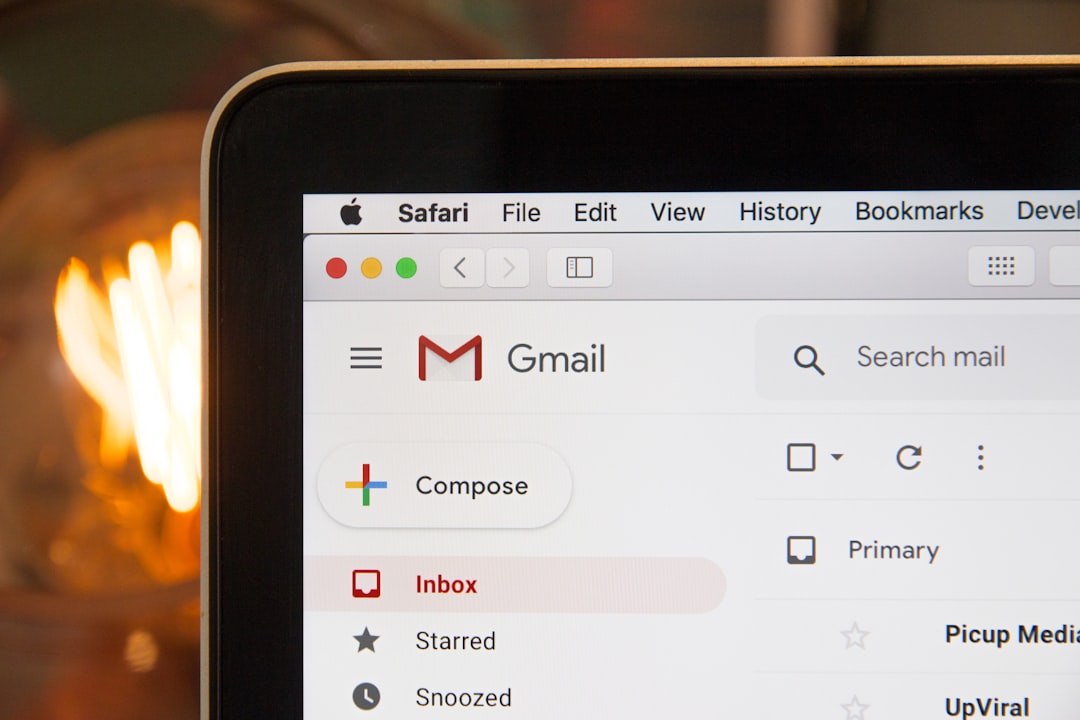
- Gmail: Clean, modern, and easy to navigate. Emails are organized into tabs like Primary, Social, and Promotions.
- Ymail: More traditional and can feel a bit outdated. It still works, but it’s not as sleek.
Storage Space
- Gmail: Offers 15 GB of free space shared across Gmail, Google Drive, and Google Photos.
- Ymail: Yahoo offers 1 TB of storage just for emails. That’s massive if you get a lot of mail!
So, if you’re a hoarder of emails, Ymail gives you more room. But with Gmail, you get versatility.
Spam Filters
Nobody likes spam. Let’s see how each one handles it.
- Gmail: Excellent spam filters. Most junk emails go straight to your spam folder.
- Ymail: Not quite as good. Some spam can still sneak into your main inbox.
Features and Tools
This is where Gmail shines bright.
- Gmail: Packed with features like smart replies, email scheduling, labels, and integration with Google Docs, Drive, Meet, and more.
- Ymail: Offers basic email features. Nothing too fancy, but it gets the job done.
Integration with Other Apps
Let’s compare how each fits into the bigger tech world.
- Gmail: Seamless integration with all things Google: Calendar for events, Drive for files, and Meet for video calls.
- Ymail: Integrates mainly with other Yahoo services like Yahoo Finance or Yahoo News.
If you’re deep into the Google ecosystem, Gmail is a clear winner.
Image not found in postmetaSecurity and Privacy
Your emails can be private, but only if your provider cares about security.
- Gmail: Has two-factor authentication, a strong record of encryption, and alerts for suspicious activity.
- Ymail: Also has two-factor authentication. But it had a major security breach back in 2013.
If security is your main concern, Gmail is more trusted by users and experts alike.
Mobile App Experience
We love using email on our phones. So let’s compare the apps.
- Gmail: Smooth, fast, and regularly updated with new features.
- Ymail: The app is okay. It works, but it may feel a bit slow or clunky for some users.
Customization
Make your inbox yours!
- Gmail: Offers themes, inbox layout changes, and smart folder organization.
- Ymail: Has themes too, but fewer options compared to Gmail.
Gmail just gives you more ways to make things look your way.
Search Function
Looking for that one email with your cat’s vet bill?
- Gmail: Uses Google’s powerful search engine so you can find emails super fast.
- Ymail: Includes a search feature that works, but it’s not as accurate or fast as Gmail’s.
Speed and Performance
Whether on desktop or mobile, performance matters.
- Gmail: Loads fast, transitions are smooth, and overall it’s very reliable.
- Ymail: Sometimes slow, especially with heavy inboxes.
Customer Support
- Gmail: Offers a large and easy-to-search Help Center. Paid Google Workspace users get better support.
- Ymail: Has support articles too, but many users report long wait times when they need help.
Pros and Cons
Gmail Pros:
- Fast and smooth interface
- Smart tools and features
- Excellent spam protection
- Great search
- Top security
Gmail Cons:
- Limited storage unless you pay
- Some privacy concerns due to Google’s data practices
Ymail Pros:
- Huge storage (1 TB!)
- Good for basic email users
- Simple and familiar
Ymail Cons:
- Slower interface
- Outdated design
- Weaker spam filter
- Less secure history
Who Should Use Gmail?
If you want a sleek, modern, and powerful inbox, Gmail is for you. It’s great for students, professionals, and small businesses. Plus, if you’re already using Google services, it fits perfectly.
Who Should Use Ymail?
If you have an old Yahoo account or want a unique email address like yourname@ymail.com, Ymail has its charm. It’s best for people who don’t need smart tools and only use email occasionally.
Final Verdict
Both Ymail and Gmail get the job done. But in today’s fast-paced world, tools and features make a big difference. Gmail leads the race with speed, security, and smart features. Ymail has nostalgia and space, but it’s not as polished.
If you’re starting fresh, go with Gmail.
If you’re holding onto your old Yahoo identity, Ymail still has a place—but you’re missing out on the modern stuff!
