In a digital environment defined by speed, choice, and constant competition, user experience has become the defining factor between success and abandonment. Users expect to find what they need within seconds, and if they encounter friction, they leave. Among the many elements that shape seamless navigation, quicklinks play a surprisingly powerful role. These simple, strategically placed links can dramatically improve usability, clarity, and trust.
TLDR: Quicklinks reduce friction by guiding users directly to the most important information or actions. They improve navigation efficiency, increase engagement, and lower bounce rates. When implemented thoughtfully, they serve as shortcuts that make websites more intuitive and accessible. In short, quicklinks turn complexity into clarity.
The Role of Quicklinks in Modern Navigation
Quicklinks are targeted, high-priority links that allow users to jump directly to key pages, sections, or actions. They are commonly found in:
- Headers and navigation bars
- Landing pages
- Dashboard interfaces
- Footers
- Help centers and knowledge bases
Unlike general navigation menus, quicklinks are intentionally selective. They highlight the content or actions users are most likely to seek, such as:
- Contact information
- Pricing pages
- Sign-up or login portals
- Documentation or support
- Featured products or services
This prioritization communicates clarity. It tells users: “We understand what you’re here for.”
Reducing Cognitive Load
User experience research consistently shows that people avoid thinking whenever possible. When confronted with too many options, users experience cognitive overload, which leads to hesitation, confusion, or abandonment.
Quicklinks reduce this burden by:
- Eliminating unnecessary decision-making
- Highlighting the most relevant pathways
- Reducing the number of clicks required
- Simplifying complex site structures
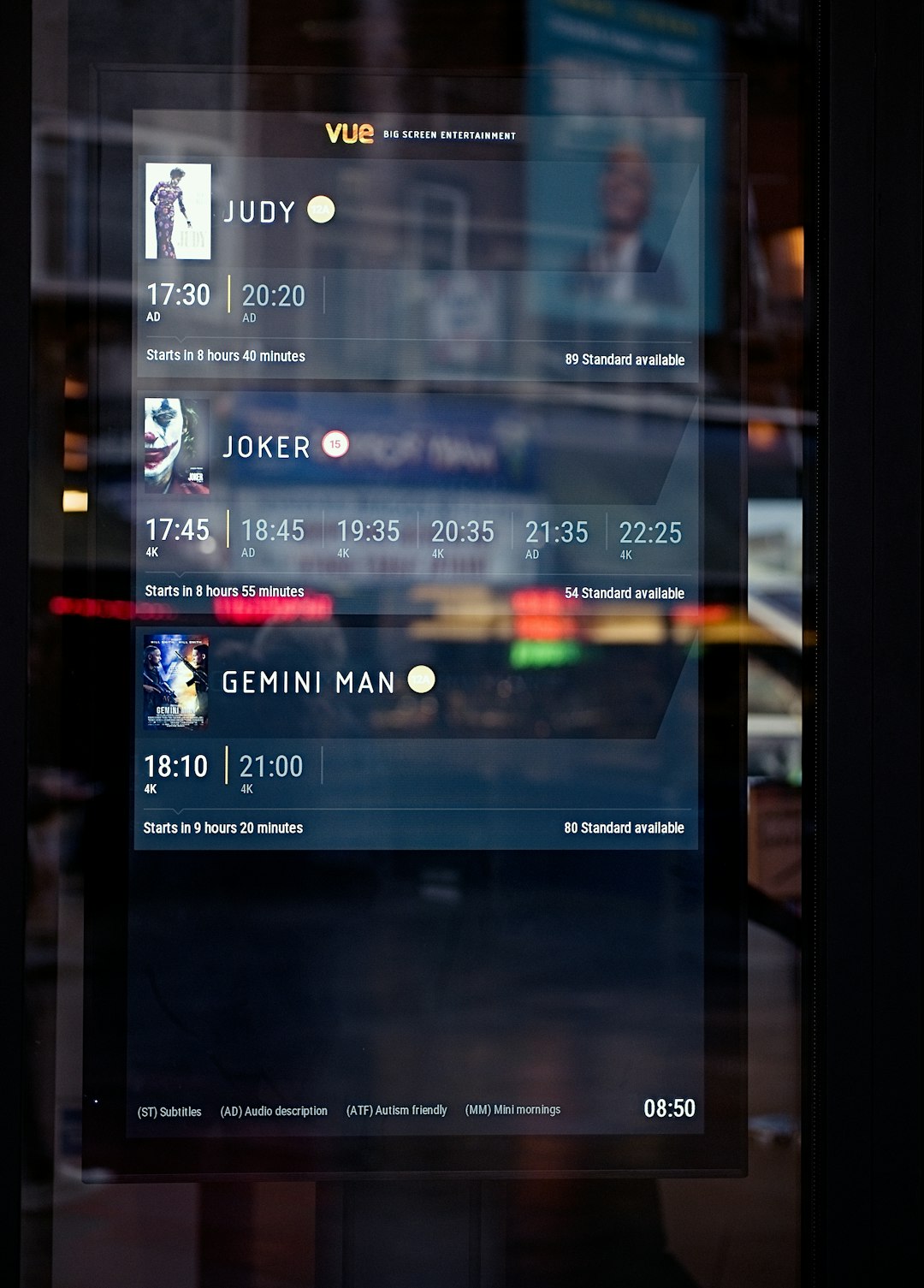
A well-placed set of quicklinks acts as a roadmap. Instead of forcing users to explore, it gently directs them. This is particularly critical for first-time visitors who may have limited patience and no familiarity with a site’s structure.
Supporting Task-Oriented Behavior
Most users arrive with a goal. They are not browsing aimlessly; they are completing tasks. Whether booking a service, downloading a document, or comparing pricing, they expect efficiency.
Quicklinks align design with intention.
Consider an e-commerce site. A returning customer likely wants to:
- Track an order
- View previous purchases
- Reorder a product
If those actions are buried under multiple layers of submenus, frustration rises. If they are presented as quicklinks in an account dashboard, the experience feels smooth and respectful.
This alignment between user intent and interface design builds credibility. Users unconsciously associate ease of use with professionalism and reliability.
Improving Conversion Rates
Conversion is often a matter of removing friction. Every extra click, scroll, or moment of confusion reduces the likelihood that a user will complete a desired action.
Quicklinks contribute to higher conversion rates by:
- Shortening conversion pathways
- Bringing high-value pages to the forefront
- Reinforcing calls to action
- Supporting urgency-driven decisions
For example, placing quicklinks for “Get a Quote,” “Start Free Trial,” or “Speak with an Expert” prominently above the fold ensures that motivated users do not need to search.

This directness signals confidence. By clearly presenting important actions, businesses demonstrate trust in their offerings.
Enhancing Accessibility
User experience is inseparable from accessibility. Quicklinks can greatly benefit users with disabilities when implemented correctly.
Common accessibility-focused quicklinks include:
- Skip to main content
- Go to navigation
- Open accessibility settings
Screen reader users, keyboard navigators, and individuals with motor impairments rely heavily on structural efficiency. Quicklinks reduce repetitive tabbing and scrolling, improving functional usability.
From a compliance standpoint, this approach also supports adherence to accessibility standards and legal requirements. More importantly, it reflects a commitment to inclusivity.
Supporting Large and Complex Websites
Enterprise portals, educational institutions, SaaS platforms, and government websites often contain hundreds or thousands of pages. Traditional navigation alone cannot efficiently surface everything.
Quicklinks act as structural anchors, guiding users through complexity.
For instance, a university home page might include quicklinks such as:
- Apply Now
- Academic Calendar
- Course Catalog
- Student Portal
- Financial Aid
These links anticipate high-frequency needs. Without them, users would have to navigate multiple layers of content trees.
Image not found in postmetaIn high-traffic environments especially, quicklinks prevent congestion and frustration by distributing attention toward clear paths.
Increasing User Confidence and Trust
Clarity builds trust. When users quickly find what they are looking for, they feel oriented and in control.
By contrast, disorganized navigation creates subtle insecurity. Users may wonder:
- Is this company legitimate?
- Why is it difficult to find basic information?
- What else might be inefficient?
Quicklinks address these concerns before they arise. They demonstrate:
- Transparency — Important pages are not hidden.
- Preparedness — The site anticipates needs.
- Respect for time — Efficiency is prioritized.
In industries like finance, healthcare, and legal services, where trust is paramount, structural clarity significantly enhances credibility.
Improving Mobile Experience
Mobile interfaces amplify the importance of quicklinks. Limited screen space and touch-based interaction demand prioritization.
On small screens, deep navigation structures become cumbersome. Quicklinks can:
- Surface the top three to five critical actions
- Reduce excessive thumb scrolling
- Prevent “hamburger menu dependency”
- Create immediate orientation
Because mobile users often operate under time constraints—while commuting or multitasking—speed is non-negotiable. Quicklinks function as performance enhancers for attention.
Best Practices for Implementing Quicklinks
While powerful, quicklinks must be implemented thoughtfully. Poorly designed quicklinks can clutter rather than clarify.
Effective quicklinks share several characteristics:
- They are limited in number (typically 4–8)
- They use concise, action-oriented language
- They prioritize high-impact destinations
- They are visually distinct yet integrated
- They are updated based on user behavior data
Data analysis plays a key role. By reviewing analytics, heatmaps, and user testing feedback, organizations can identify which pages are most frequently accessed and prioritize accordingly.
The Psychological Impact of Immediate Access
One subtle but important aspect of quicklinks is psychological reassurance. When users encounter visible pathways, they experience a sense of control.
This sense of control influences:
- Perceived usability
- Brand satisfaction
- Likelihood of return visits
- Overall experience rating
Quicklinks do not simply streamline interaction; they create emotional ease. In user experience design, this emotional dimension often determines loyalty.
Quicklinks as a Strategic Asset
Too often, quicklinks are treated as minor design details. In reality, they are strategic tools.
When aligned with business objectives, quicklinks can:
- Guide users toward revenue-generating actions
- Highlight new initiatives or campaigns
- Reinforce strategic messaging
- Streamline customer support pathways
For example, during seasonal promotions, updating quicklinks to emphasize limited-time offers can significantly increase visibility and engagement without redesigning entire pages.
Conclusion
Quicklinks matter because user attention is limited and expectations are high. They transform complexity into clarity, shorten pathways, and reinforce trust. By anticipating needs and removing friction, quicklinks elevate the entire digital experience.
In a competitive landscape where users make decisions in seconds, efficiency is not optional. It is foundational. Thoughtfully implemented quicklinks ensure that navigation feels intuitive, accessible, and purposeful—qualities that ultimately define exceptional user experience.
