Modern productivity often involves jumping between devices: jotting down quick thoughts on a phone, then fleshing them out later on a computer. Whether you’re drafting a novel, building code, or simply keeping a detailed journal, having a consistent editing experience across mobile and desktop platforms is crucial. Reddit users across multiple communities have frequently discussed their favorite cross-platform editors that let them start on phone and finish on PC — or vice versa.
TL;DR
Reddit users regularly recommend a variety of cross-platform text editors that support seamless transitions between mobile and desktop. Popular choices include cloud-synced markdown editors, minimalist note apps, and powerful IDEs. These tools offer syncing capabilities, rich text formatting, and often offline support. Whether you’re writing blog posts or managing code, there’s likely a tool here that fits your workflow perfectly.
1. Obsidian – A Knowledge Base in Your Pocket
Obsidian has rapidly become a favorite tool of writers, researchers, and productivity enthusiasts. Known for its Markdown-powered local storage and powerful backlinking, Obsidian lets users write and manage notes on their phone and pick up exactly where they left off on desktop.
Why Reddit Loves It:
- Full offline capability with cloud sync via 3rd-party apps like Dropbox or iCloud Drive
- Rich plugin ecosystem offering everything from calendar views to advanced search
- Works great for Markdown-centric workflows

2. Joplin – Secure, Open-Source Note-Taking
Joplin is another favorite that appears frequently in Reddit threads. This open-source app focuses on privacy, offering end-to-end encryption for your notes and to-do lists. It has mobile and desktop apps, and works beautifully with services like Dropbox and OneDrive for syncing.
Reddit Users’ Tips:
- Great for exporting and importing notes
- Has web clipper features and supports notebooks
- Focus on security appeals to privacy-minded users
3. Notion – The Swiss Army Knife of Editors
Love it or hate it, Notion has completely taken over Reddit threads on cross-platform productivity. Whether you’re managing a blog, a business plan, or even your grocery list, this all-in-one workspace supports multimedia embedding, page nesting, kanban boards — and much more.
Reddit Highlights:
- UI consistent across mobile, web, and desktop
- Bookmarking lets you return to mobile-created pages easily
- Perfect for compiling long-form writing and project documentation
4. Simplenote – Just Text, Synced Perfectly
If all you want is a fuss-free way to jot down something quickly and see it later on your laptop, Simplenote is your answer. Created by the team behind WordPress, this lightweight app shines in its speed, simplicity, and reliability.
Reddit User Favorites:
- Lightning-fast sync speed
- Tags help organize notes without complex folder hierarchies
- Supports Markdown formatting
5. Microsoft OneNote – Rich Formatting Across Devices
Want something that handles handwriting, images, checkboxes, and elaborate formatting? Microsoft OneNote is loved by users who work across Windows and Android/iOS. Unlike many other apps, OneNote supports free-form writing and detailed structure out of the box.
Top Reddit Praises:
- Full-featured editing suite across platforms
- Works excellently within Office 365 ecosystem
- Good handwriting support for stylus/tablet users
6. Google Docs – Real-Time Collaboration
A classic but still heavily discussed cross-platform solution, Google Docs allows real-time collaborative editing and seamless syncing between devices. Reddit users especially highlight how stable and intuitive the mobile app is compared to similar services.
Reddit Takeaways:
- Fantastic for shared documents & team use
- Responsive mobile UI makes editing on the go easy
- Version history is a powerful recovery tool
7. iA Writer – Distraction-Free Markdown Editor
For absolute minimalists, iA Writer hits that sweet spot. Reddit’s writing-focused communities recommend iA Writer for focused first drafts, especially in Markdown. iCloud and Dropbox integration make syncing nearly effortless.
Why It Stands Out:
- Helps eliminate distractions with focus mode
- Syncs via standard cloud storage – no vendor lock-in
- Clean, beautiful interface on both phone and desktop
8. Quillnote (Android-exclusive) + Linux Desktop Clients
While not available on iOS, Quillnote consistently appears in Reddit discussions among Linux and Android devotees. It’s open-source, supports linking of notes, and even has a dark mode. Though less well known, its flexible format and compatibility with Markdown files draw praise.
Pros for Tech-Savvy Users:
- Works great with Git-based note versioning
- Fast, open, minimal permissions
- Export and sync capabilities using standard markdown files
9. VS Code + GitHub – Write Code, Wherever You Are
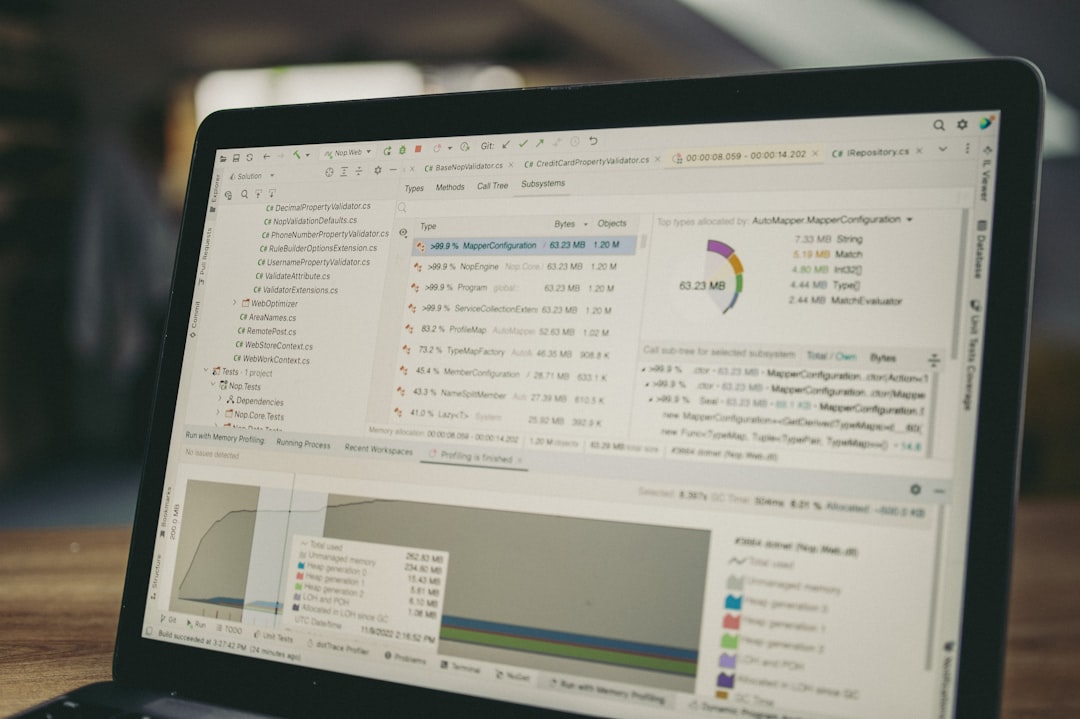
If you’re a developer or tech content creator, Reddit unanimously backs Visual Studio Code (VS Code) coupled with GitHub as the ultimate editor combo. And with Github’s mobile app and remote coding options (via Codespaces or other tunnels), you can even commit from mobile.
Why Developers Love the Combo:
- Full-fledged coding experience on desktop
- Markdown preview, linting, and syntax highlighting
- Can write blog/code notes on mobile, push to GitHub, and pull later on PC
Bonus Mentions from Reddit
While the editors above make the top 9, Reddit also highlights a few honorable mentions:
- Bear (iOS only) – Beautiful Markdown editor with tagging features and themes
- Standard Notes – Focused on encryption and long-term privacy
- Zettlr – Excellent for academic writing, better known in the desktop world but gaining cross-platform traction
Final Thoughts
Whether you’re a note-taker, novelist, or developer, navigating between devices doesn’t have to disrupt your flow. Redditors swear by these cross-platform editors to maintain productivity anytime, anywhere. From minimalist Markdown simplicity to rich, multimedia collaboration, there’s something in this list for every workflow.
If you’re just starting out, try a few of these and play around with syncing. You’ll quickly discover that beginning your draft during your commute and finishing it at your fully-kitted-out PC isn’t just doable — it’s downright empowering.
