Smartphone users across the globe are increasingly encountering system alerts related to VPN usage on iPhone and Android devices. These warnings often appear unexpectedly, leaving users confused or concerned about their privacy and security. While virtual private networks (VPNs) are generally associated with enhanced security and anonymity, system-level warnings suggest there may be more nuance to how these tools function on modern mobile operating systems. Understanding what these alerts mean—and what they do not mean—is essential to making informed decisions about your digital safety.
TLDR: VPN usage warnings on iPhone and Android devices are typically system notifications indicating that your traffic is being routed through a third-party service. They do not automatically signal danger, but they do highlight potential privacy, configuration, or security considerations. These alerts may appear due to operating system updates, app permissions, or network monitoring policies. Users should verify their VPN provider’s credibility and ensure their devices are properly configured to remain secure.
Why You’re Seeing VPN Usage Warnings
Both Apple and Google have strengthened their operating systems to increase transparency around network activity. When a VPN is active, your device reroutes internet traffic through encrypted servers operated by a third party. Because of this deep system-level integration, mobile operating systems are designed to notify users when a VPN is connected.
Common reasons for VPN warnings include:
- A VPN app running in the background
- New operating system security updates
- Corporate device management policies
- Unrecognized VPN configurations
- Third-party apps using local VPN profiles for ad blocking or filtering
It’s important to understand that in most cases, these warnings are informational rather than alarmist. However, they are designed to bring awareness to the fact that your internet traffic is being handled by an external service.
How VPNs Work on iPhone and Android
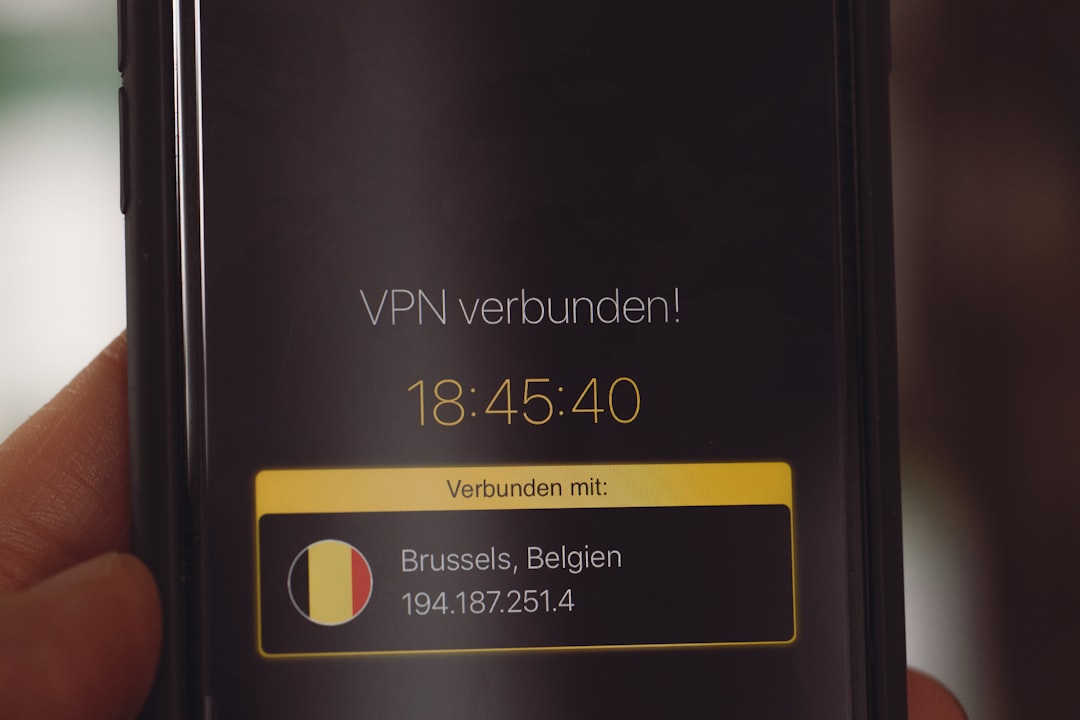
A VPN creates an encrypted tunnel between your device and a remote server. Instead of communicating directly with websites or services, your data passes through this secure server first. This process provides:
- Encryption – Protecting your data from interception
- IP address masking – Concealing your physical location
- Secure public Wi-Fi usage – Reducing exposure on shared networks
On iOS, VPN configurations are tightly controlled through Apple’s Network Extension framework. When active, a small “VPN” indicator appears in the status bar. Android devices typically show a key icon when a VPN connection is engaged.
The warning messages you may see are not random. They reflect increasing operating system transparency aimed at preventing unauthorized traffic routing—especially after growing concerns about malicious apps disguising themselves as helpful utilities.
Are VPN Usage Warnings a Sign of Danger?
Not necessarily. In fact, in most legitimate use cases, these warnings simply confirm that your VPN is functioning as intended. However, there are scenarios where caution is warranted.
You should investigate further if:
- You do not remember installing a VPN app.
- The notification persists even after disabling your VPN.
- Your device is managed by an organization without your knowledge.
- You notice unusual data usage or battery drain.
Cybersecurity experts advise verifying the source of any active VPN profile by navigating to your device settings:
- On iPhone: Settings > General > VPN & Device Management
- On Android: Settings > Network & Internet > VPN
If a configuration appears unfamiliar, it should be removed immediately and investigated.
The Rise of “Fake” or Shady VPN Services
Not all VPN services are created equal. While many reputable providers adhere to strict privacy standards, others collect user data, inject advertisements, or even distribute malware.
Recent investigations have revealed that some free VPN apps:
- Log browsing activity despite claiming a no-logs policy
- Sell usage data to third parties
- Contain hidden tracking libraries
- Lack proper encryption standards
This is one reason why Android and iOS have become more aggressive in surfacing VPN-related notifications. Transparency helps ensure that users remain aware of who is handling their sensitive information.
Enterprise and School-Managed Devices
If you use a company-issued or school-issued smartphone, VPN warnings may relate to Mobile Device Management (MDM) systems. Organizations often mandate VPN use to monitor network activity, protect sensitive data, or enforce acceptable use policies.
In such cases, the VPN warning is not optional—it reflects a device-level configuration controlled by administrators. Removing it may not be possible without revoking management privileges.
If you are unsure whether a device is managed:
- Check for configuration profiles under device management settings.
- Contact your IT department.
- Review device enrollment information.
VPN and Apple’s “Limit IP Address Tracking” Feature
Apple has introduced additional privacy tools such as iCloud Private Relay and “Limit IP Address Tracking.” These features function similarly to VPNs, sometimes triggering network-related alerts or overlapping notifications.
This can create confusion. For instance:
- You may see a VPN-like indicator without installing a third-party VPN.
- Certain apps may show compatibility warnings.
- Wi-Fi networks may display privacy-related notes in settings.
While Private Relay is not a traditional VPN, it routes traffic through multiple secure relays to mask identifying information. Understanding this distinction helps clarify why the system might surface security messages.
Battery Drain and Performance Warnings
Another reason users interpret VPN warnings negatively is performance impact. Running a VPN continuously:
- Consumes additional battery power
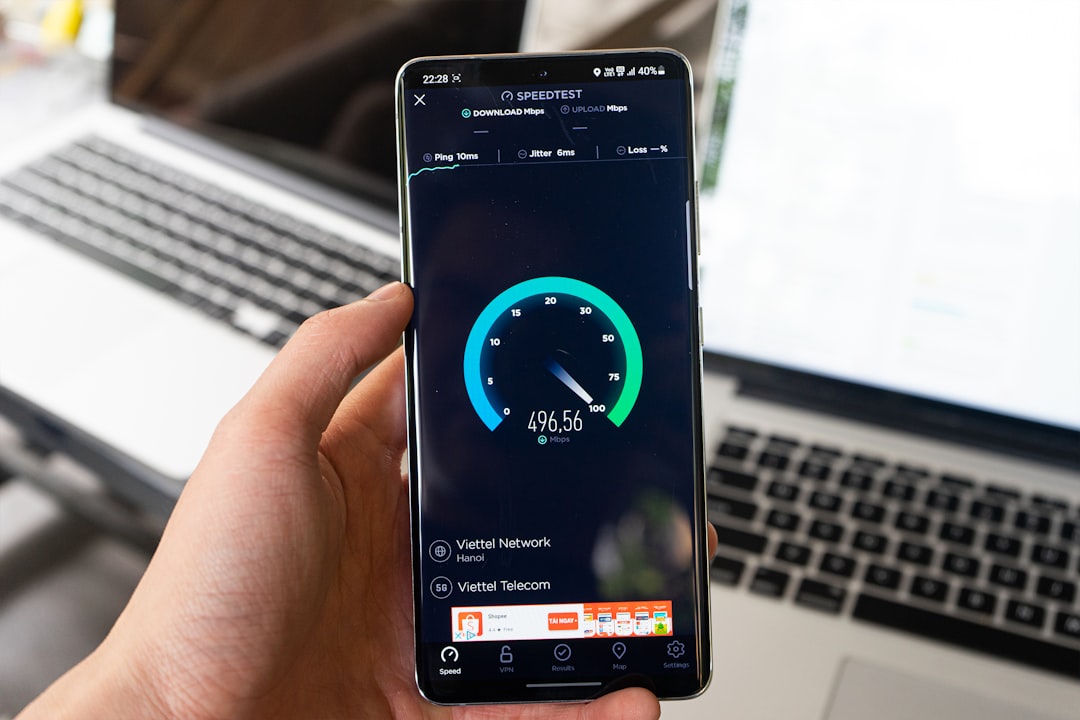
- May slightly reduce internet speed
- Can interfere with certain banking or streaming applications
Modern operating systems monitor apps that run persistently in the background. If a VPN significantly affects performance, your phone may generate warnings related to battery optimization or background activity.
These alerts are typically technical notifications—not accusations of wrongdoing.
How to Respond to a VPN Usage Warning
If you encounter a VPN-related alert, follow a calm and structured approach:
- Confirm whether you installed a VPN intentionally.
- Check the VPN profile name and developer.
- Research the provider’s reputation and privacy policy.
- Remove unknown configurations immediately.
- Run a security scan using trusted mobile security software.
Do not ignore repeated or unexplained notifications. Awareness is your first line of defense against unauthorized tracking or configuration changes.
When You Should Be Concerned
Although most warnings are harmless, cybersecurity professionals suggest heightened caution if you notice:
- Frequent connection changes without user input
- Pop-ups requesting installation of “security certificates”
- Redirected web traffic
- Increased spam or phishing attempts
These could signal malicious configuration profiles or compromised applications. In such situations, resetting network settings—or performing a full factory reset—may be necessary after backing up essential data.
Regulatory and Privacy Implications
The increased visibility of VPN usage reflects a broader global shift toward digital accountability. Governments and regulatory bodies are scrutinizing how user data is transmitted, stored, and processed.
Operating systems now prioritize:
- User consent transparency
- Clear network activity indicators
- App permission management
- Secure encryption protocols
VPN warnings are part of this ecosystem of digital disclosures. They are designed to inform, not intimidate.
Best Practices for Safe VPN Use
To minimize confusion and maximize security:
- Choose well-established VPN providers with audited no-logs policies.
- Keep your operating system updated.
- Avoid installing multiple VPN apps simultaneously.
- Disable unnecessary background permissions.
- Periodically review installed profiles.
Most importantly, understand that a VPN is a tool—not a guarantee of anonymity. Responsible usage requires awareness of the provider, the legal environment, and your personal security needs.
Final Thoughts
VPN usage warnings on iPhone and Android devices are not inherently negative. They represent a growing emphasis on transparency in mobile operating systems. While the alerts may initially seem alarming, they usually confirm that a privacy tool is functioning correctly.
That said, blind trust is never advisable. Verify your configurations, choose reputable services, and remain attentive to unexplained activity. In today’s digital landscape, informed vigilance—not fear—is the foundation of secure smartphone usage.
Understanding what these warnings signify empowers you to distinguish between legitimate protection and potential risk. And in matters of digital privacy, clarity is one of the strongest safeguards you can have.
