Shopping online is easy. Click. Pay. Done. But every click leaves a trail. Your name, email, card number, and even your browsing habits can be collected, tracked, or stolen. The good news? You can protect yourself without becoming a cybersecurity expert. You just need the right tools and a few smart habits.
TL;DR: Online shopping is convenient, but your personal data is valuable and needs protection. Use tools like password managers, VPNs, and secure browsers to stay safe. Shop only on trusted websites and avoid public Wi-Fi for payments. Small changes can make a big difference in keeping your information private.
Why Privacy Matters When You Shop Online
Your data is gold. Companies collect it to sell products. Hackers want it to steal money or identities. Even harmless-looking websites can track your behavior.
Here is what online stores often collect:
- Your full name
- Email address
- Phone number
- Shipping and billing address
- Credit card details
- Shopping history
- IP address
That is a lot of information. If it falls into the wrong hands, the damage can be serious. Identity theft. Fraud. Spam overload. So let’s build your privacy shield.
Start with a Secure Connection
Before you even add items to your cart, check the website address.
Look for:
- HTTPS in the URL
- A small lock icon in the address bar
If a site only says HTTP, leave. It is not secure.
A secure connection encrypts your data. That means your information is scrambled while traveling from your device to the website.
But there is more you can do.
Use a VPN
A Virtual Private Network hides your IP address. It encrypts your internet traffic. This is especially useful when:
- You shop on public Wi-Fi
- You travel often
- You want extra privacy from tracking
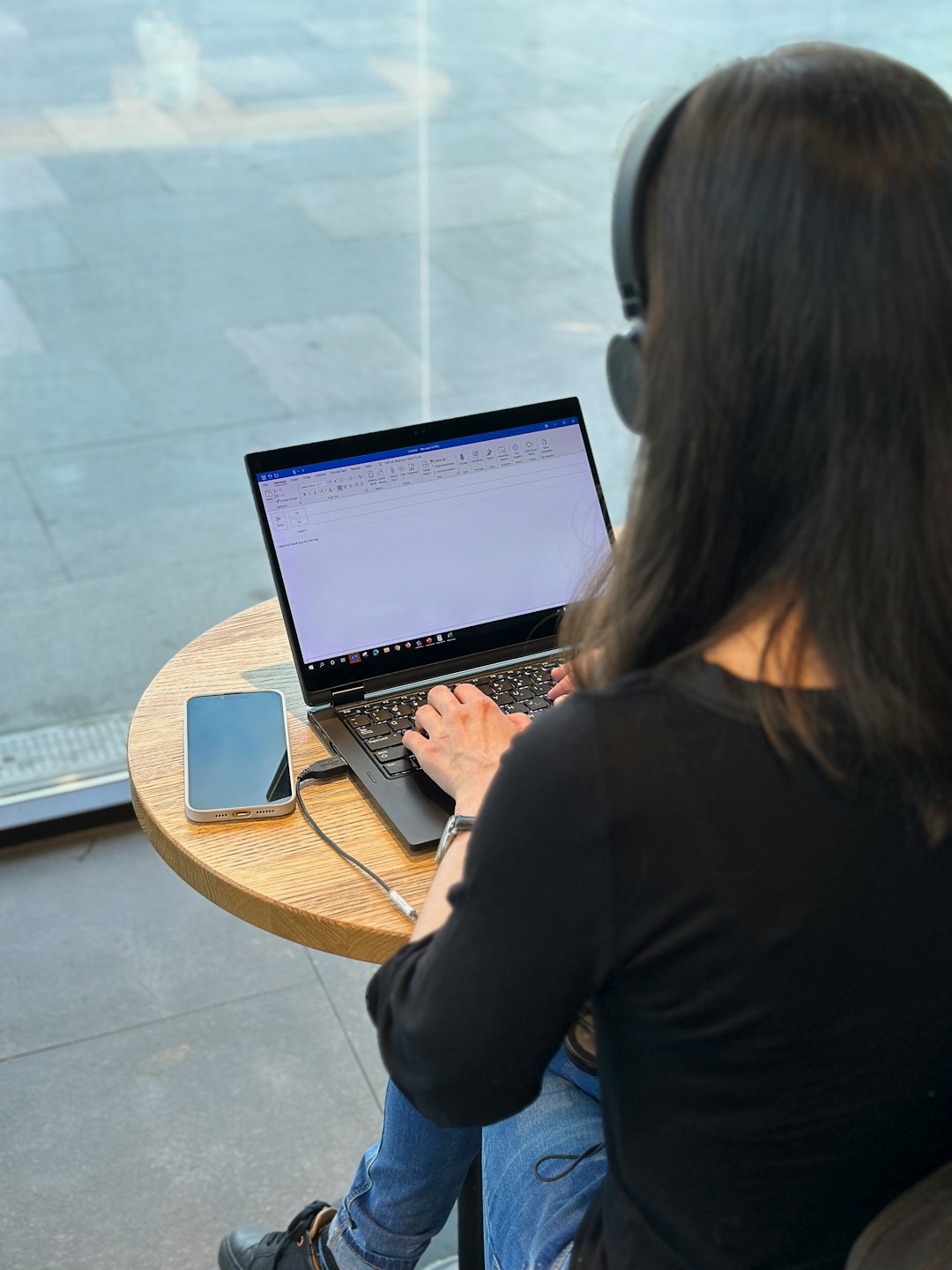
Public Wi-Fi in cafes or airports is risky. Hackers love it. A VPN adds a protective layer between you and them.
Upgrade Your Password Game
If your password is “123456” or “password,” we need to talk.
Weak passwords are the easiest way into your accounts.
Use Strong, Unique Passwords
Each shopping account should have its own password. If one site gets hacked, the others stay safe.
A strong password:
- Has at least 12 characters
- Includes letters, numbers, and symbols
- Avoids common words or names
Hard to remember? That is normal.
Use a Password Manager
Password managers generate and store strong passwords for you. You only remember one master password.
Benefits:
- No more reused passwords
- Auto-fill login forms
- Alerts for data breaches
It is like having a digital vault in your pocket.
Turn On Two-Factor Authentication
Two-factor authentication (2FA) adds an extra step. After entering your password, you confirm your identity with:
- A text message code
- An authentication app
- A fingerprint or face scan
Even if someone steals your password, they still cannot log in without the second factor.
Shop Smarter, Not Faster
Fast clicks can lead to fast trouble.
Avoid Suspicious Links
Got a crazy discount email? Slow down.
Phishing emails look real. They copy logos and brand names. But they lead to fake websites designed to steal your login details.
Always:
- Type the store’s address manually
- Double-check the URL spelling
- Ignore urgent messages demanding quick action
Research New Stores
Found a deal that seems too good? It might be.
Before buying from a new website:
- Search for online reviews
- Check for contact information
- Look for clear return policies
No reviews? No contact info? That is a red flag.
Image not found in postmetaUse Privacy-Friendly Browsers and Extensions
Your browser is your shopping vehicle. Choose a safe one.
Privacy-Focused Browsers
Some browsers are built with privacy in mind. They block trackers automatically and limit data collection.
Features to look for:
- Built-in ad blocking
- Tracking protection
- Private browsing modes
Private mode will not make you invisible online. But it prevents your device from saving browsing history and cookies.
Install Helpful Extensions
Browser extensions can strengthen your defenses.
Popular types include:
- Ad blockers – Reduce tracking scripts
- Anti-tracking tools – Block hidden trackers
- HTTPS enforcers – Force secure connections
- Coupon extensions – Save money safely
But be careful. Only install extensions from trusted sources. Too many extensions can slow your browser or create new risks.
Be Careful with Payments
Payment time is the most sensitive moment.
Use Credit Instead of Debit
Credit cards offer better fraud protection. If someone steals your card details, it is easier to dispute charges.
Debit cards are linked directly to your bank account. That can be riskier.
Use Secure Payment Services
Digital wallets and payment platforms add extra protection. They act as a buffer between your card and the store.
This means:
- The store does not see your full card number
- Your financial details stay hidden
- Disputes are easier to manage
Avoid Saving Card Details
It is convenient. But not always wise.
If a retailer gets hacked, saved card information can leak. Enter your details manually for important purchases if you want extra caution.

Manage Cookies and Tracking
Cookies are small files stored on your device. Some are helpful. Others track you.
You can:
- Reject non-essential cookies
- Clear cookies regularly
- Adjust browser privacy settings
Many websites ask for cookie consent. Take a few seconds to customize the settings. It is worth it.
Keep Your Devices Updated
Updates are annoying. But they fix security holes.
Always update:
- Your operating system
- Your browser
- Your apps
- Your antivirus software
Cybercriminals target outdated software. Updates close those doors.
Monitor Your Accounts
Even with strong protection, stay alert.
Check your:
- Bank statements
- Credit card transactions
- Email for suspicious login alerts
Spot something strange? Report it immediately.
The faster you react, the less damage is done.
Use Separate Emails for Shopping
Want a simple trick? Create a separate email for online shopping.
This keeps:
- Promotional emails out of your main inbox
- Potential data breaches isolated
- Your primary email safer
If that shopping email gets spammed, your personal or work email stays clean.
Log Out on Shared Devices
Using a shared computer? Log out when finished.
Do not:
- Save passwords on public devices
- Leave accounts open
- Store payment information
It only takes seconds for someone else to access your account.
Trust Your Instincts
Sometimes something just feels off.
A website looks strange. The design is messy. The prices are unreal. The checkout page behaves oddly.
Pause.
If it feels wrong, leave. There will always be another deal.
Build a Simple Privacy Routine
You do not need to do everything at once.
Start with this easy checklist:
- Use a password manager
- Enable two-factor authentication
- Install an ad blocker
- Shop only on HTTPS websites
- Avoid public Wi-Fi for payments
- Monitor bank transactions weekly
These small steps create strong protection.
Final Thoughts
Online shopping should be fun. It should not feel scary. With a few smart tools and habits, you can enjoy the convenience without sacrificing your privacy.
Think of privacy like locking your front door. It takes only seconds. But it keeps trouble out.
Click wisely. Shop smart. Stay safe.
