Wireless charging has become one of the most convenient features of modern iPhones, while wired charging still remains the fastest and most reliable option. Naturally, many users wonder: Can you use wireless and wired charging together on iPhone? Will it charge faster, damage the battery, or simply not work at all? The answer is more nuanced than a simple yes or no, and understanding how Apple designs its power management system can help you make smarter charging decisions.
TLDR: No, you cannot actively combine wired and wireless charging to charge your iPhone faster. When both are connected, the iPhone automatically prioritizes the wired connection and ignores the wireless input. This is a deliberate safety and power management decision. While it won’t harm your phone, it also won’t stack or double the charging speed.
How iPhone Charging Works
To understand why you can’t combine charging methods, it helps to first understand how iPhones handle power input.
All modern iPhones contain a sophisticated power management integrated circuit (PMIC) that regulates charging. This system determines:
- How much power the battery can safely accept
- Which power source to prioritize
- When to slow down charging to protect battery health
- How to manage heat
Whether you are using a Lightning cable, USB-C cable (on newer models), MagSafe charger, or Qi wireless charger, the phone intelligently communicates with the power source to regulate electricity flow.
The important thing to remember is this: the iPhone accepts only one power input at a time.
What Happens If You Plug in Wired and Wireless Charging Together?
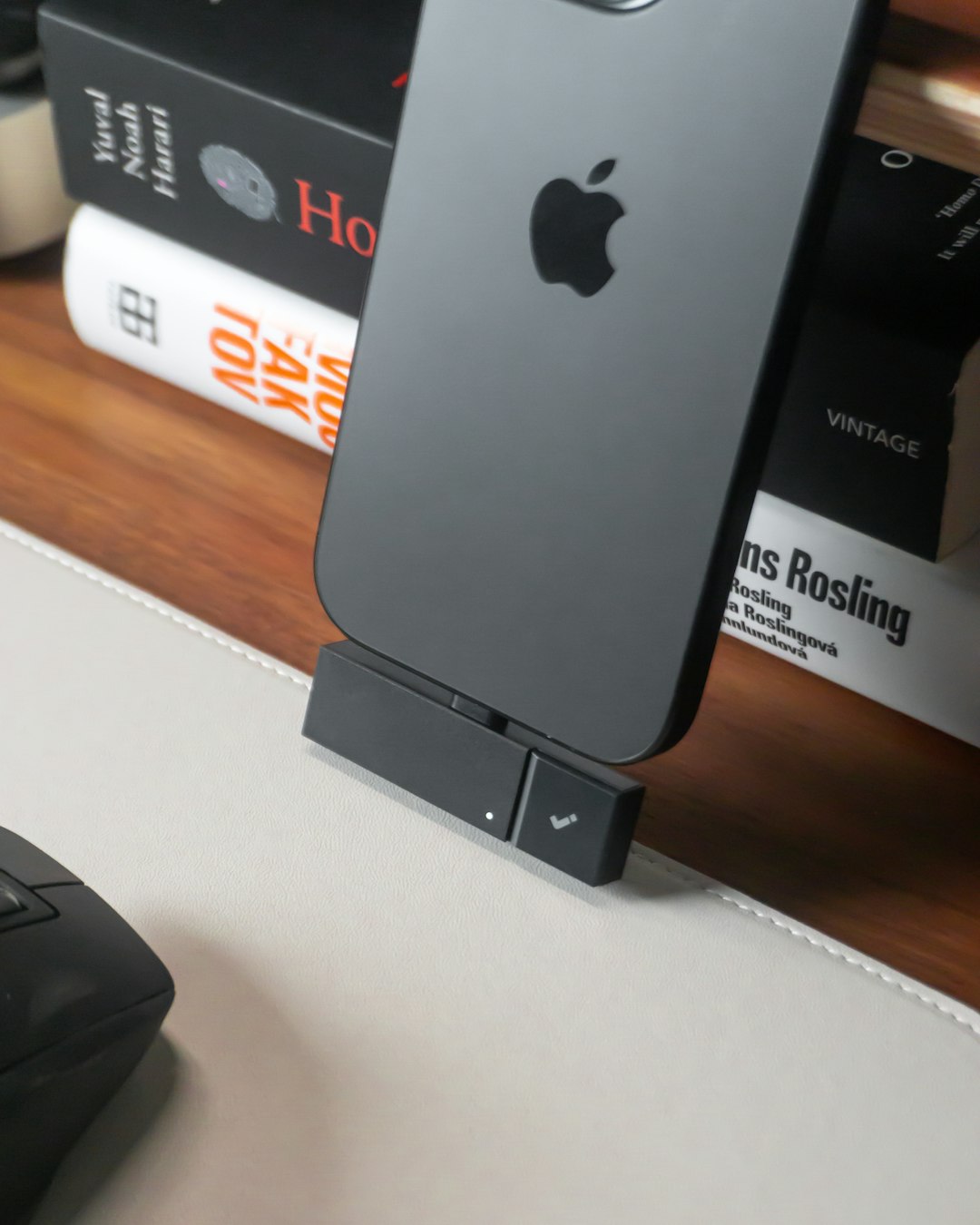
If you place your iPhone on a wireless charger and then plug in a cable — or vice versa — the phone automatically prioritizes the wired connection.
This means:
- The wired charger becomes the active power source
- The wireless charging coil stops drawing power
- Charging speed does not increase
Apple designed the system this way for several important reasons:
- To prevent overheating
- To avoid conflicting voltage input
- To protect battery longevity
- To ensure consistent power regulation
In short, the iPhone will never combine both inputs to “double charge.”
Why Doesn’t iPhone Allow Dual Charging?
At first glance, combining a 20W wired charger and a 15W MagSafe charger might sound like a fast way to reach 35W charging speeds. However, battery technology doesn’t work that way.
1. Battery Safety and Heat Concerns
Lithium-ion batteries are sensitive to heat. Charging already produces warmth due to electrical resistance. Adding two sources could increase internal temperature significantly.
Excessive heat can:
- Degrade battery capacity faster
- Reduce long-term lifespan
- Trigger thermal throttling
- Increase safety risks
Apple prioritizes battery health over charging speed, which is why the system avoids stacking energy inputs.
2. Power Path Architecture Limitations
The internal circuitry is designed with a single active input channel. Even though the phone physically has both a coil and a port, the power management system routes energy through one controlled pathway to the battery.
Allowing dual input would require an entirely different architecture and more complex heat management systems.
3. Minimal Speed Benefit
Another important factor is diminishing returns. iPhones already peak at certain charging thresholds. For example:
- Wired fast charging can reach up to 20–27W depending on the model
- MagSafe wireless charging typically peaks at 15W
- Standard Qi wireless charging usually runs at 7.5W
The battery simply cannot absorb unlimited wattage beyond its designed maximum input rate. Doubling up would not necessarily translate to doubling speed.
Does Connecting Both Cause Damage?
The good news: It does not damage your iPhone.
Apple’s system intelligently manages the situation. When both are connected:
- The phone chooses the wired source.
- The wireless charger becomes inactive (though the light may still be on).
- Charging continues normally.
You won’t harm the battery, fry the circuitry, or reduce performance by accidentally connecting both.
However, you also won’t get any measurable performance gain.
How Fast Is Each Charging Method?
To better understand why wired charging takes priority, let’s compare the real-world performance.
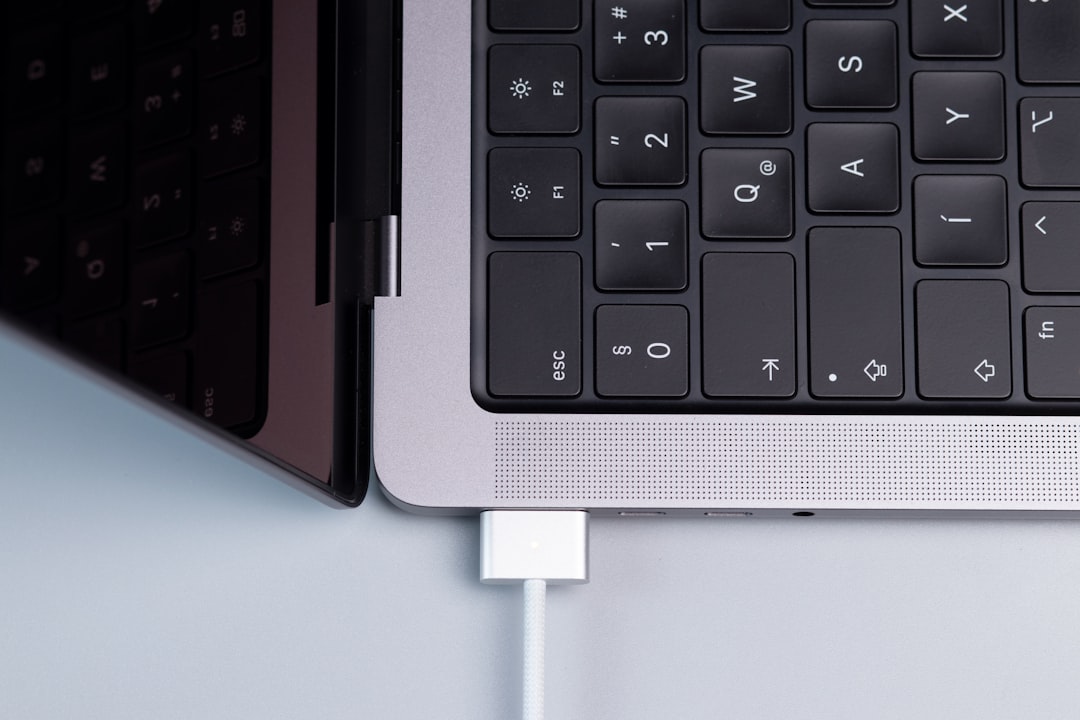
Wired Charging
- Fastest option available
- Can reach 50% in about 30 minutes (with 20W+ adapter)
- More energy efficient
- Generally produces less heat than wireless
MagSafe Wireless Charging
- Up to 15W with official MagSafe charger
- Convenient magnetic alignment
- Slightly warmer than wired charging
- Slower than wired fast charging
Standard Qi Wireless Charging
- Up to 7.5W on iPhone
- Most universal compatibility
- Slowest option
Because wired charging remains significantly faster and more efficient, it makes sense that the iPhone prioritizes it automatically.
What About Reverse Wireless Charging?
You may have heard of reverse wireless charging on some Android devices, where a phone can charge accessories like earbuds. As of now, mainstream iPhones do not officially support full reverse wireless charging for other phones.
Even if Apple expands this feature in the future, it would not mean combining wired and wireless input for faster self-charging. Those are separate technical capabilities.
Could Apple Enable Dual Charging in the Future?
Technically, Apple could redesign power management systems to blend multiple inputs. However, several realities make this unlikely:
- Battery chemistry limitations remain
- Heat management would become more complex
- Actual speed benefits would be small
- USB-C wired speeds already meet user demand
Instead of dual input charging, advancements are more likely to focus on:
- Faster single-source charging
- Improved battery health algorithms
- Better thermal regulation
- More efficient wireless coils
Common Myths About Using Both Chargers
Myth 1: It Charges Twice as Fast
False. Only one power source is used at a time.
Myth 2: It Damages the Battery Instantly
False. The phone safely manages power selection.
Myth 3: The Wireless Charger Still Adds Power in the Background
False. Once a wired connection is detected, the wireless charging system stops transferring energy.
Best Charging Practices for iPhone Users
If your goal is protecting battery health while also maintaining convenience, here are some smart charging habits:
Image not found in postmeta- Use wired charging when you need speed.
- Use wireless charging for convenience and overnight top-ups.
- Avoid charging in hot environments.
- Enable Optimized Battery Charging in settings.
- Use certified Apple or reputable third-party accessories.
For overnight charging, wireless pads are excellent because speed is irrelevant when you have 7–8 hours. For quick boosts before leaving the house, wired fast charging is superior.
What About Battery Health in the Long Run?
Wireless charging tends to produce slightly more heat, which, over long time periods, can marginally impact battery longevity compared to wired charging. However, the difference is typically small for average users.
If you’re particularly concerned about maximizing battery lifespan:
- Prefer wired charging when possible.
- Avoid heavy usage while charging.
- Keep your phone cool and well-ventilated.
Using both chargers simultaneously does not worsen battery health because only one is actually active.
Final Verdict
So, can you use wireless and wired charging together on iPhone? Yes, you can physically connect both — but only one will actually work. The iPhone intelligently prioritizes the wired connection and disables wireless power transfer.
This design protects your battery, prevents overheating, and ensures consistent charging performance. While it might seem like a missed opportunity for faster charging, it’s actually a carefully engineered safety feature.
Ultimately, the best approach is simple:
- Use wired charging when you need speed.
- Use wireless charging when you value convenience.
You don’t need to choose one permanently — but you also can’t combine them for extra power. Your iPhone, smartly enough, already made that decision for you.
