Google TV offers the best app experience overall for most people, while Roku is better for simple mainstream streaming and Fire TV is best for Amazon-heavy homes. Roku remains huge, with the company reporting 90.2 million streaming households at the end of 2024 [source: Roku], but size alone does not decide app quality.
TLDR: Pick Google TV if you want the widest mix of major apps, Android TV apps, casting, and better search across services. Pick Roku if you want Netflix, Disney+, Hulu, Max, YouTube, Apple TV, and Peacock with less fuss. Pick Fire TV if Prime Video, Freevee, Alexa, and Amazon purchases are central to your setup. For example, a family using 10 paid and free services will likely save time on Google TV search, while a guest room TV is often better with Roku’s simpler menus.
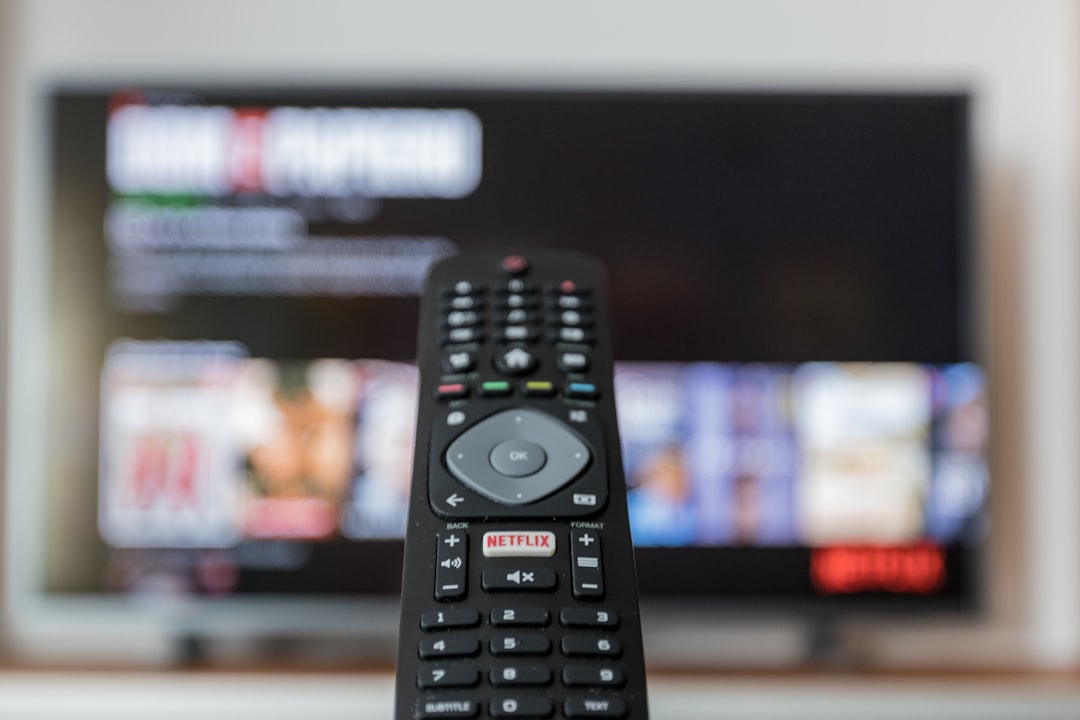
Best overall app choice: Google TV
Google TV wins on app range and flexibility. It supports the major streaming apps most people expect. It also has access to many Android TV apps, smart home tools, media players, fitness apps, and niche services that may not appear on Roku.
The biggest benefit is not just app count. It is how well Google TV pulls content together. Search for a movie, and it often shows where to watch it, rent it, or buy it. Voice search is usually strong. Chromecast support is built in, which helps when an app works better from your phone than from the TV app.
The catch is… Google TV can feel busy. Some home screens push recommendations hard. Sponsored rows can add two or three extra remote clicks before you reach the app you wanted. On cheaper Google TV sticks, the interface can also feel slow after months of updates.
Roku: best for simple mainstream streaming
Roku is the safest pick for people who just want apps to open quickly. Its app store, called the Channel Store, covers nearly every major streaming service. Netflix, YouTube, Disney+, Hulu, Max, Apple TV, Peacock, Spotify, Plex, and many live TV apps are easy to find.
Roku’s interface is clean. Apps are arranged in a simple grid. There is less friction for older users, guests, and anyone tired of bloated menus. Honestly, it feels like Roku understands that many people just want to press Netflix and stop thinking.
Roku also has The Roku Channel, which offers free ad-supported movies, shows, and live channels. That matters if you are cutting paid services. Free TV apps are often not pretty, but they can save real money over a year.
Still, Roku is more closed than Google TV and Fire TV. Advanced users may miss certain media tools, browser options, or unofficial apps. App disputes have also affected Roku in the past, though the major gaps have usually been resolved.
Fire TV: best for Amazon users, mixed for everyone else
Fire TV is strongest when your home already runs on Amazon. Prime Video is front and center. Alexa works well for voice control. If you rent movies through Amazon, use Ring cameras, or shop through an Echo device, Fire TV fits neatly into that setup.
The app selection is broad. You get the big streaming services, free TV apps, sports apps, music apps, and many utilities. Fire TV also has more room for sideloading than Roku, which tech-savvy users may like.
But the home screen can feel crowded. Amazon content gets heavy placement. Ads are common. Expect to waste time on rows that promote shows, rentals, and services you did not ask for. On budget Fire TV sticks, this can feel especially annoying.

App availability: what most people actually need
For the most popular apps, there is no huge loser here. Roku, Fire TV, and Google TV all cover the essentials. The difference appears when you move beyond the top 15 apps.
- Netflix, YouTube, Disney+, Hulu, Max, Apple TV, Peacock: Available on all three.
- Prime Video: Available on all three, but best integrated on Fire TV.
- Free streaming apps: Strong on all three, with Roku and Fire TV especially visible.
- Niche Android TV apps: Best on Google TV.
- Local media apps like Plex: Available on all three, but Google TV often gives more flexibility.
- Unofficial or advanced apps: Fire TV and Google TV are more open than Roku.
Which one is best for different users?
Choose Google TV if:
- You use many streaming apps and want better search.
- You cast videos from Android phones, Chrome, or YouTube often.
- You want more app variety beyond the biggest brands.
- You do not mind a busier home screen.
Choose Roku if:
- You want the easiest app grid.
- You are buying for parents, kids, guests, or a spare room.
- You mainly watch major paid apps and free channels.
- You want fewer software distractions.
Choose Fire TV if:
- You watch Prime Video a lot.
- You use Alexa for smart home control.
- You like Amazon’s rentals, purchases, and free content.
- You are comfortable with a more ad-heavy interface.
Final verdict
Google TV has the best apps overall because it combines major streaming services with Android TV depth, strong search, and built-in casting. It is the most flexible choice for people who subscribe to many services or like trying smaller apps.
Roku is the best simple option. It is not the most flexible, but it is easy to trust. Apps are easy to find, easy to arrange, and usually easy to use.
Fire TV is best for Amazon-first homes. Its app library is strong, but the interface gets in the way more often than it should. If Prime Video is your main service, that trade-off may be worth it. If not, Google TV or Roku will usually feel cleaner.
